
Hi all!
Today we are discussing CA migration from 2003 to 2008 R2.
It is also applicable to other versions of Windows Server.
Note: target and source names are not equal. CA name is the same during migration
Step 1. CA Databases and configuration back up
Log in to Windows Server 2003 , open Certification Authority and click on Back up CA..

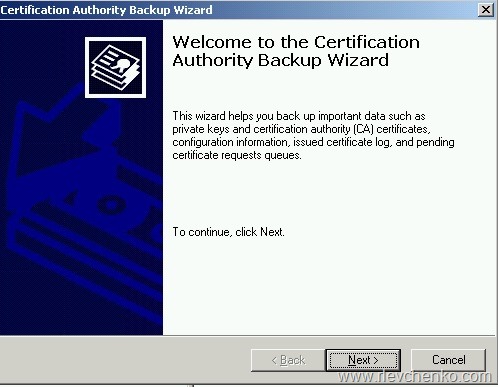
Review the wizard’s start page and click Next
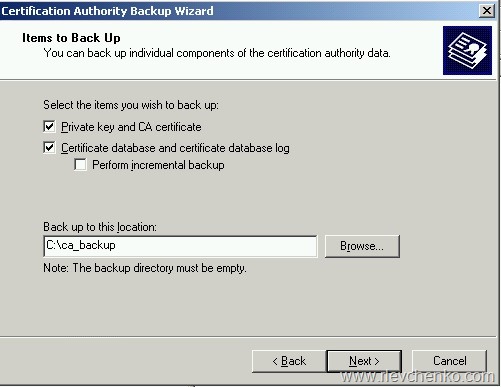
Click on check boxes Private key and CA certificate + Certificate database and certificate database log ,define location for backup files and click Next
Type and remember password for the private key and click Next

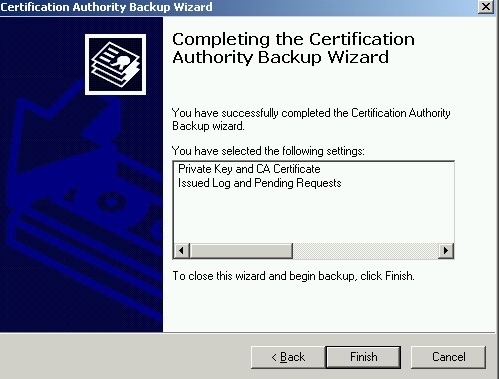
Review the results. click Finish
Start – Run (win+r) – Regedit
Go to the path
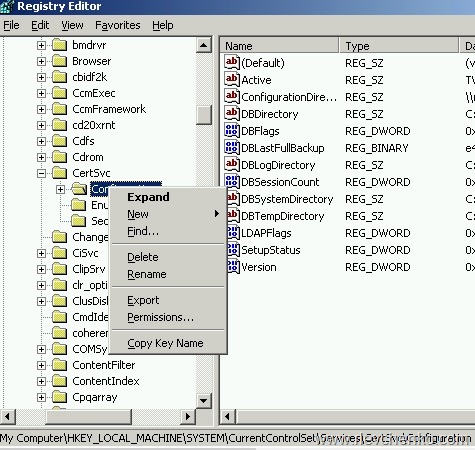
HKEY_LOCAL_MACHINE\SYSTEM\CurrentControlSet\Services\CertSvc\
Right click on Configuration and Export
Define location for reg file and click Save

Step 1 is complete. Now we have to delete CA services on the source server
Step 2. Removing CA services on the source server
Go to Add or Remove Programs –> Add/Remove Windows Components , remove tick in “Certificate Services”, click Next
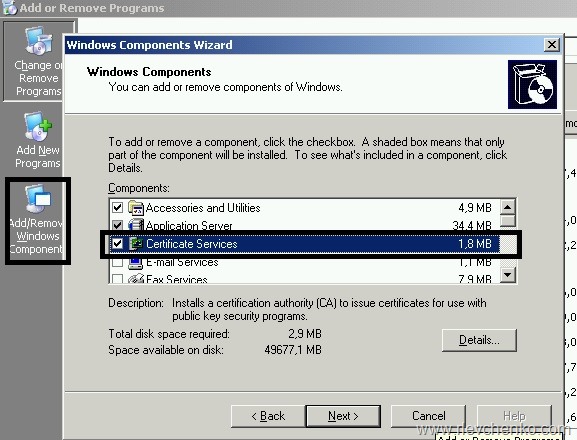
Wait..

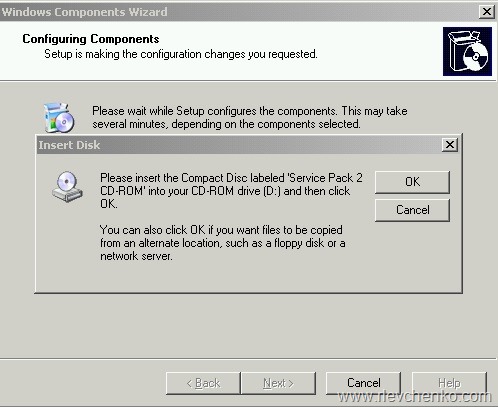
Sometime we need to insert the CD with 2003/SP2 for successful configuration
We successfully completely removing CA services, click Finish

Step 3. CA services installation on the target server
Server Manager –> Add or Remove Roles > Active Directory Certificate Services


Certification Authority + Certification Authority Web Enrollment

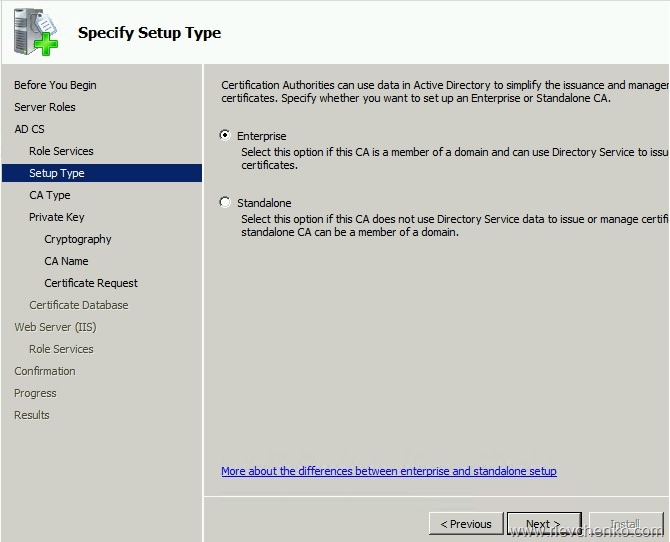
We want to set up an Enterprise CA
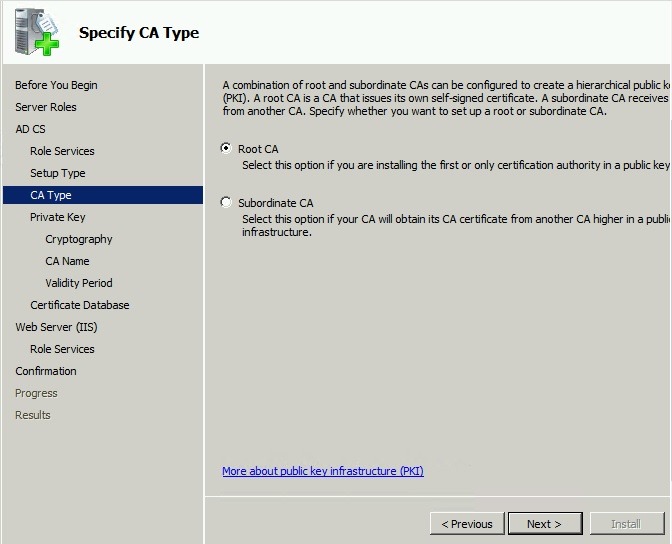
We are installing the Root CA
We already have the Private Key (шаг 1),so Use Existing Private Key

Locate your PFX-file (step 1) and import one
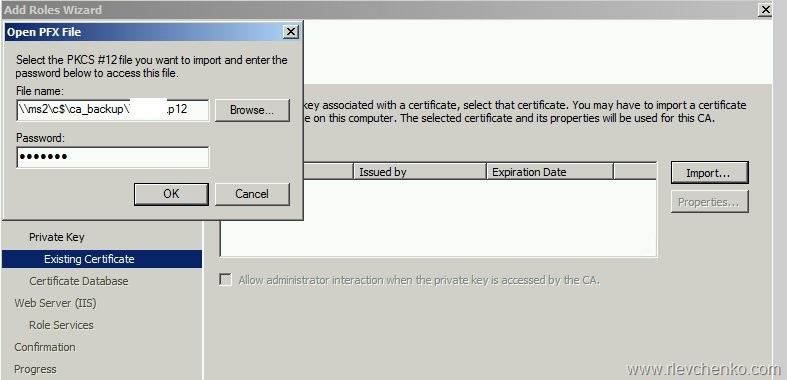

Just click Next

Leave it by default
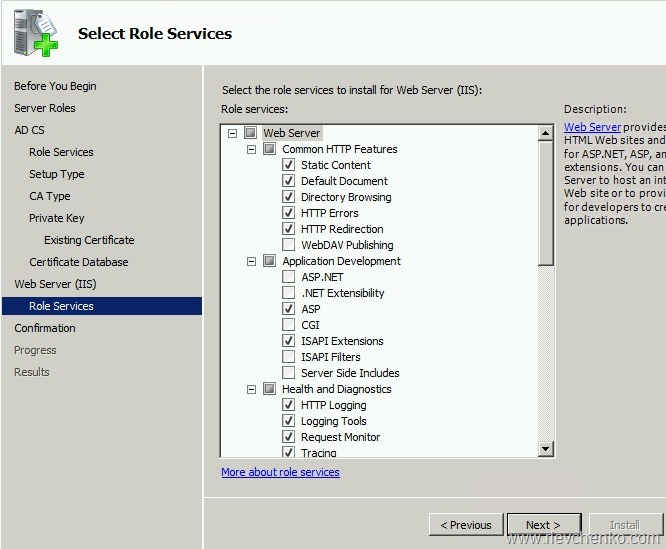
Review the summary and click Install

Verify that roles were installed successfully
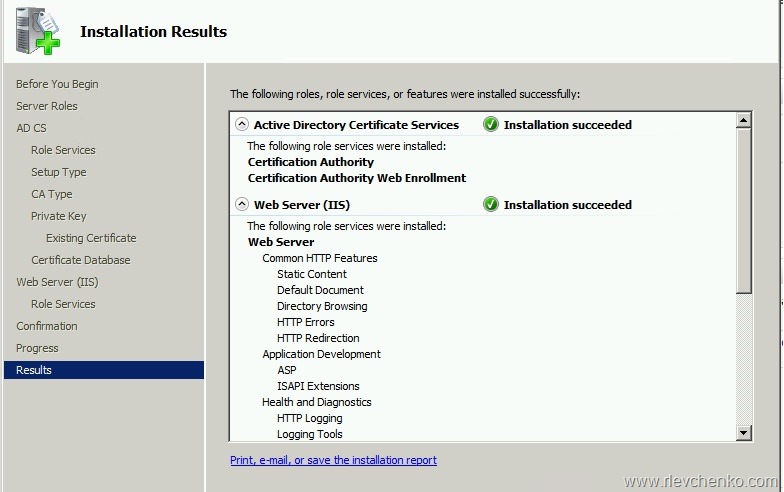
Шаг 4. Restore CA on the target server
Start – run (win+r) – certsrv.msc

Right click on the CA name –> All Tasks –> Restore CA

Stop CA services = click OK

Click Next

Insert path to files from step 1, click on checkboxes Private key.. и Certificate database
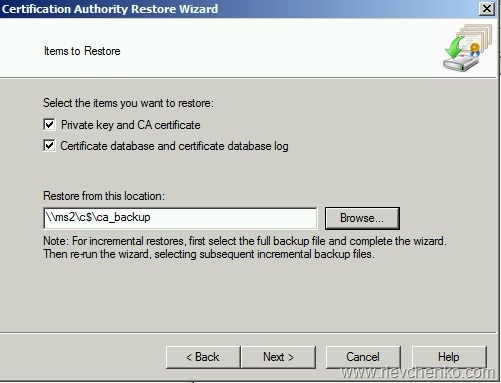
Type your password from step 1
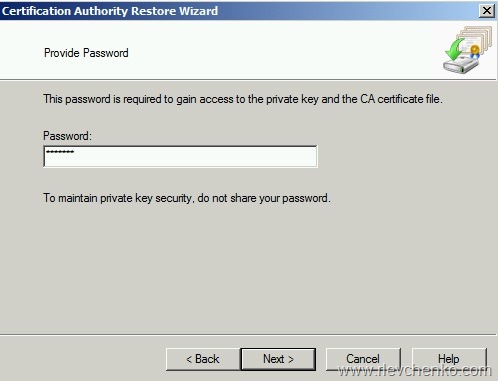
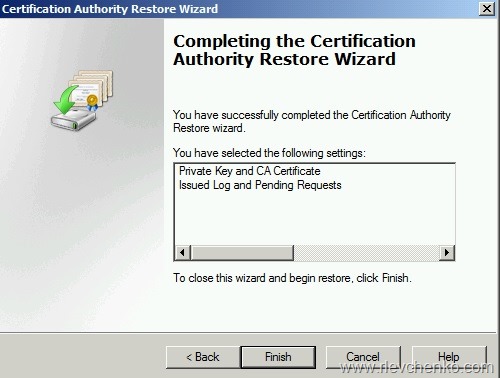
Review the summary and click Finish
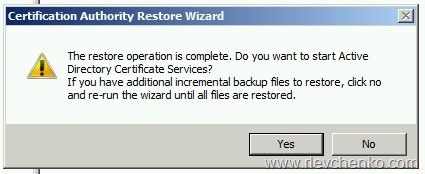
We are not going to start CA services yet. Click “NO”
Run ref file and add CA configuration

Optionally
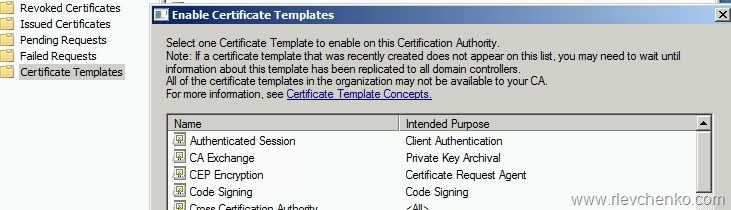
Reissue Certificate Templates
certsrv.mmc –> certificate templates- right click –> new –> certificate template to issue
choose your template and click OK
Verify CA migration:
https://technet.microsoft.com/en-us/library/ee126164(v=ws.10).aspx
Additional links:


 UseIT | Roman Levchenko