
Problem
1. You use disk2vhd to perform P2V conversion of Windows Server 2003

2. Disk2VHD created an VHD successfully
3. You attach this VHD to newly created virtual machine (Generation 1, host 2012 in my case) and start VM
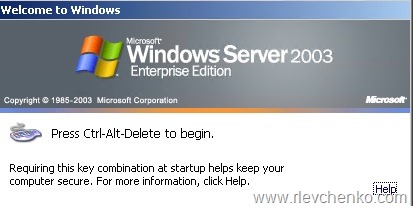
4. Unfortunately, you notice that mouse and keyboard are not captured and ctrl+alt+delete doesn’t unlock guest OS. This is because of there are no integration services inside guest OS. RDP+console access are not working too. Network adapter is not available = no RDP to guest OS.
Solution
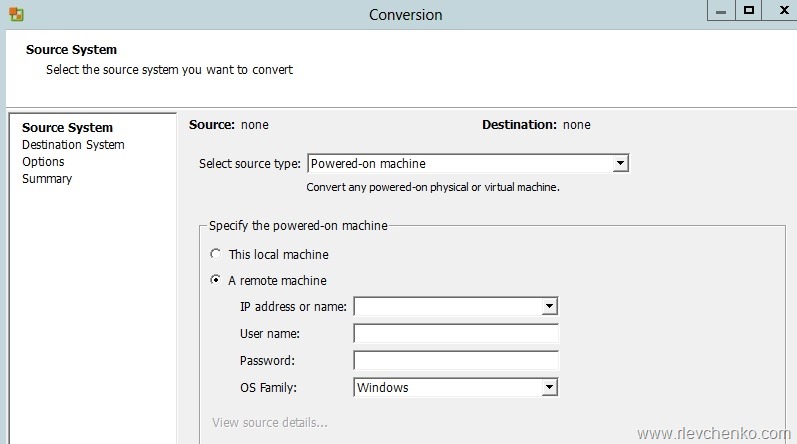
1. Download and install VMware vCenter Converter Standalone
2. Convert source machine to vmdk
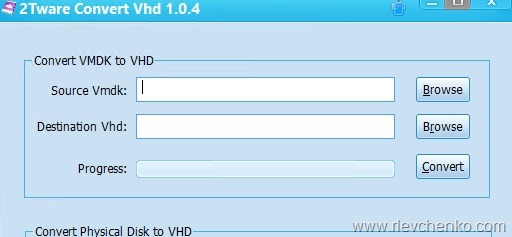
3. Convert vmdk to vhd using 2Tware
4. Attach VHD to VM and start VM.
Now Ctrl+alt+delete works + keyboard is captured. Insert ISO with integration services, install, restart VM and now mouse is available too.
 UseIT | Roman Levchenko